Currently, in the UK, businesses are processing more invoices than ever.
These invoices come from suppliers, contractors, logistic partners, software vendors, and global marketplaces.
As these volumes rise, manually entering invoice data into accounting systems is no longer sustainable. It is slow, costly, and prone to mistakes.
In fact:
- Manually keying invoice data costs £9–£16 per invoice
- Automated extraction using OCR and AI can cut this by 60–80%.
- UK businesses using automated data extraction reduce processing time by up to 80%, especially when dealing with high-volume suppliers or multi-line invoices.
But accounting automation only works if invoice data extraction is done the right way.
Poorly implemented extraction leads to missing VAT details, mismatched totals, duplicate payments, and audit failures.
This guide explains how to do invoice data extraction properly — the modern way, the compliant way, and the way that reduces risk for UK businesses.
Let’s get started.
What Is Invoice Data Extraction?
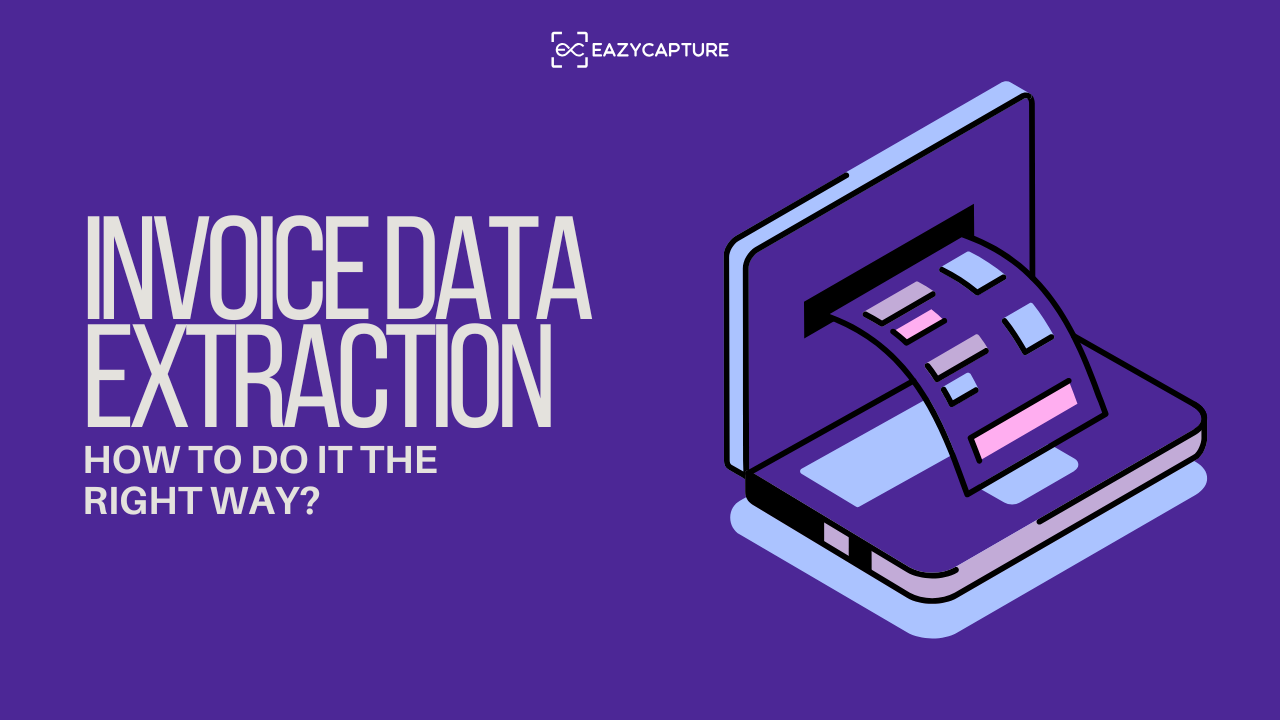
Invoice data extraction refers to the process of capturing key information from an invoice and converting it into structured digital data.
Modern extraction goes far beyond reading text. It interprets the invoice the same way a finance professional would.
Typical fields extracted include:
- Supplier name, address, and VAT number
- Invoice number and invoice date
- Due date and payment terms
- Line items (quantity, description, unit price)
- Subtotals, VAT amounts, and grand total
- Purchase order (PO) numbers
- Currency and payment instructions
This structured data is then exported into accounting software like Xero, QuickBooks, Sage, or NetSuite — reducing manual typing to almost zero.
The Right Way to Extract Invoice Data (Step-by-Step)
Many businesses think extracting invoice data means “uploading a PDF and hoping for the best”. That’s when errors happen.
Proper data extraction follows a structured workflow, combining accuracy checks, validation rules, and consistent handling.
Here’s how to do it correctly:
Step 1: Gather and Standardise Your Invoices
UK businesses receive invoices in multiple formats:
- Emailed PDFs
- Paper invoices scanned as images
- Multi-page documents
- Exported invoices from supplier portals
- Mobile-scanned receipts
The first step is ensuring you upload clean, readable files.
Best practice:
- Avoid blurry images or photos with shadows
- Scan paper invoices at 300 DPI
- Request suppliers to send digital PDFs instead of mobile pictures
- Keep file names consistent (e.g., suppliername_invoicenumber.pdf)
Good-quality input dramatically boosts extraction accuracy.
Step 2: Use OCR + AI Extraction (Not Manual Typing)
OCR (Optical Character Recognition) converts text from an invoice into machine-readable data. Modern systems combine OCR with machine learning, enabling them to:
- Recognise invoice layouts
- Extract VAT lines accurately
- Read multi-line item tables
- Identify totals even when formatting varies
- Interpret supplier VAT numbers and detect missing fields
This is essential in the UK where VAT compliance is strict, and missing or incorrect data can lead to incorrect returns.
Step 3: Validate the Extracted Data (This Is Where Most Errors Get Caught)
Extraction alone won’t protect your business. You need validation rules to ensure the captured data is correct.
A proper validation workflow should check:
- Does the invoice number already exist in your system?
- Does the VAT calculation match UK VAT rules?
- Do line-item totals equal the invoice total?
- Does the supplier VAT number exist and follow UK formatting?
- Is the invoice date realistic? (not future-dated or extremely old)
- Does the PO number match an existing purchase order?
Step 4: Handle Exceptions and Anomalies Promptly
Even the best extraction systems encounter exceptions such as:
- Handwritten invoices
- Poorly formatted supplier documents
- Foreign-currency invoices
- Missing VAT lines
- Multi-page invoices with mismatched totals
The key is to review exceptions daily so issues are resolved early, not at month-end.
A good exception system allows you to:
- Correct extracted fields manually
- Re-route invoices for additional approval
- Request resubmission from suppliers
- Leave internal comments for your AP team
Fast exception handling keeps month-end running smoothly.
Step 5: Export into Accounting/ERP Systems
Once the data is validated, it should be exported seamlessly into your accounting platform. UK businesses typically integrate with:
- Xero
- QuickBooks
- Sage
The right extraction workflow ensures:
- Perfect formatting
- No copy-paste errors
- Accurate VAT codes
- Clean supplier matching
- Reduced reconciliation issues
This ensures your books stay accurate and audit-ready.
Step 6: Maintain a Clean, Searchable Archive
One of the biggest advantages of digital extraction is the ability to store invoices in a fully searchable archive. Manual folders or desktop PDFs make it nearly impossible to locate invoices quickly, especially during VAT inspections, supplier disputes, or expense audits.
A proper extraction workflow ensures your invoices are:
- Tagged with metadata (supplier name, date, total, VAT, PO, etc.)
- Indexed for keyword searching
- Stored securely in digital folders
- Accessible for HMRC audits
- Retained for the legally required period (usually 6 years)
This directly supports Making Tax Digital (MTD) obligations, which require UK businesses to maintain clear digital records and ensure data accuracy.
Why Doing Invoice Data Extraction “Right” Matters in the UK?
There is a right way and a wrong way to extract invoice data.
And in the UK, the difference can be costly. HMRC has increased scrutiny around VAT accuracy, digital records, and audit trails.
Below are the key reasons why correct extraction is essential, specifically for UK companies.
1. VAT Accuracy and Compliance
VAT discrepancies are one of the top triggers for UK audits.
Common errors that happen during manual extraction include:
- Incorrect VAT amount due to data-entry mistakes
- Missing VAT lines from scanned images
- Mismatched totals
- Invalid supplier VAT numbers
- Incorrect tax codes in accounting software
Automating data extraction reduces these issues dramatically.
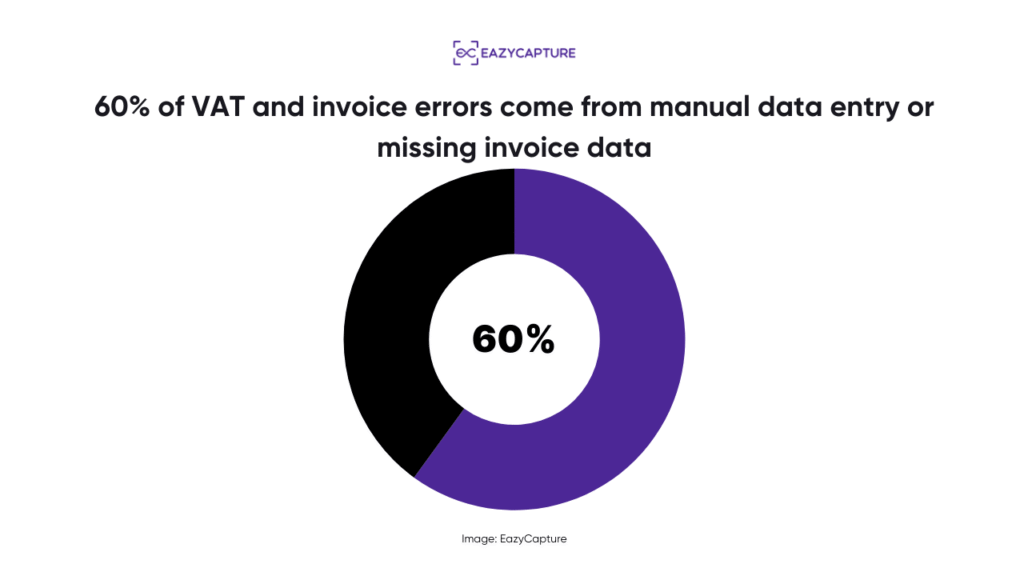
60% of VAT and invoice errors come from manual data entry or missing invoice data.
Right extraction = right VAT claims.
2. Preventing Duplicate Payments
Manual accounting workflows often fail to catch duplicates because invoices arrive from multiple channels (email, paper, portals).
About 2.5% of all invoices submitted to UK businesses are duplicates, either intentional or accidental.
With proper extraction and validation:
- Duplicate invoice numbers are flagged instantly
- Supplier mismatches are caught
- Multi-page duplicates are prevented
This protects cash flow and stops avoidable losses.
3. Faster Month-End Close
Month-end becomes chaotic when invoice data is scattered or partially entered.
When extraction is done correctly:
- All invoices are processed in real time
- Matching and reconciliation are smoother
- Outstanding approvals are flagged
- Accruals become more accurate
- AP teams are not flooded at the end of the month
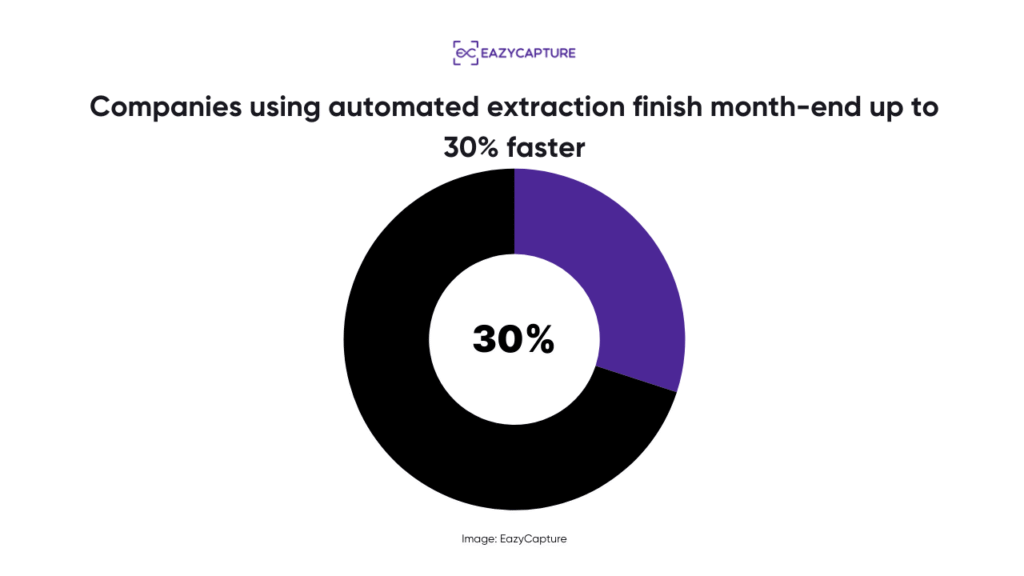
Companies using automated extraction finish month-end up to 30% faster, based on global AP automation studies.
4. Better Transparency and Approvals
UK businesses often struggle with “invisible invoices” — invoices stuck in someone’s inbox or waiting for a manager’s approval.
With proper extraction:
- Approvers get real-time visibility
- Finance teams can see bottlenecks
- Spend is controlled across departments
- Larger invoices cannot slip through unnoticed
This is critical for internal controls and fraud prevention.
Comparison Table: Manual Extraction vs Proper Automated Extraction
Feature | Manual Process | Proper Automated Extraction |
Speed | 5–10 days | Under 24 hours |
Accuracy | Error-prone | 95%+ accuracy |
VAT Checks | Manual | Automatic |
Duplicates | Hard to detect | Instantly flagged |
Line Items | Manual typing | AI extraction |
Audit Trail | Weak | Full digital logs |
Compliance | Risky | MTD-friendly |
Scalability | Requires hiring | Scales instantly |
Who Benefits Most From Correct Invoice Extraction?
While every business gains value, these UK sectors benefit the most:
- Accounting & bookkeeping firms (multi-client, high volume)
- Construction & trade businesses (complex PO matching)
- eCommerce & retail (large supplier volumes)
- Hospitality (recurring weekly invoices)
- Manufacturing (multi-line item invoices)
- Professional services (departmental approval chains)
Correct extraction helps these industries gain control over spend, speed, and compliance.
The Bottom Line
Invoice data extraction is powerful, but only when done correctly.
Doing the extraction the right way means:
- High-quality digitisation
- AI-driven OCR
- Strong validation rules
- Fast exception handling
- Solid integrations
- Full audit trails
- VAT-ready accuracy
Correct invoice data extraction reduces cost, increases accuracy, prevents fraud, supports VAT compliance, and frees finance teams from repetitive admin work.
And EazyCapture is one of the best ways to do that.