If you are a business owner or a landlord in the UK, paper is your greatest hidden cost.
Think about it.
Every time,
- You shove a crumpled receipt into your wallet
- You file a paper invoice in a lever-arch folder
- You spend your Sunday afternoon typing numbers into a spreadsheet,
You are losing money.
You aren’t just losing the time it takes to do the work; you’re losing the opportunity to do something that actually grows your business.
In the era of Making Tax Digital (MTD), digitising your paperwork is a legal necessity. HMRC requires digital records that are linked and searchable.
But how do you move from a physical mess to a digital masterclass?
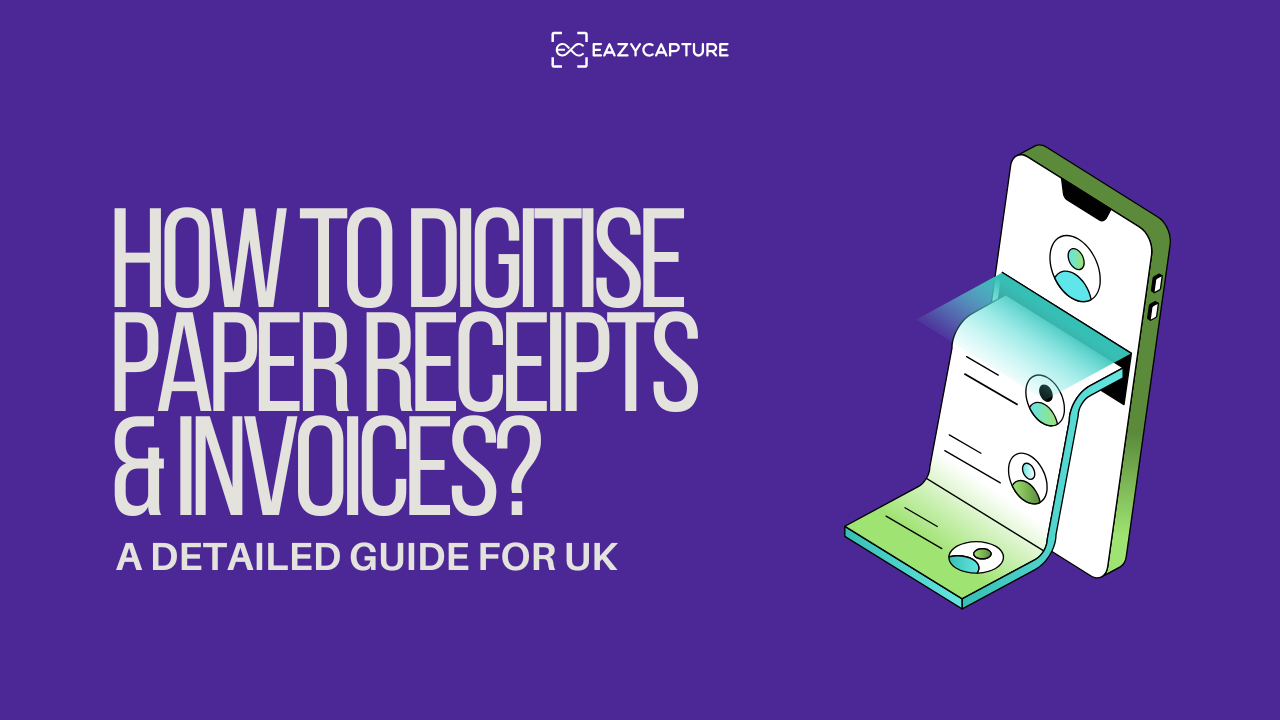
Here is your comprehensive guide to digitising your paper trail once and for all.
1. The "Assistant-First" Approach
Most people think the first step to digitising is buying a scanner. Not really.
The first step is choosing a bookkeeping and accounting assistant. If you use a “dumb” scanner, you’ve still got 90% of the work left to do.
You’ve still got to read the numbers, categorise the expense, and type it into your books. EazyCapture changes this dynamic because it isn’t just an invoice scanning tool. It’s an assistant that understands the accounting logic behind the paper.
Why an Assistant Beats a Scanner:
- The Multi-Invoice Solution: Most small business owners wait until they have a pile of receipts before they start. With EazyCapture, you don’t have to scan them one by one. You can place five receipts on your desk, snap one single photo, and your EazyCapture assistant will intelligently separate, crop, and process each one as an individual transaction.
- Handling the “Messy” Reality: Paper receipts get crumpled, faded, and scribbled on. EazyCapture’s assistant intelligence is trained to pick up handwritten notes. If you’ve written “Client Lunch – Project X” or “Paid via Personal Card” on the receipt, EazyCapture captures that context. Most “standard” software just ignores it, leaving you with a mystery transaction six months later.
- UK Compliance Built-In: The UK tax system is specific. We have VAT, we have CIS, and we have specific rules for assets versus expenses. EazyCapture is a practitioner-led assistant that understands these nuances. It detects prepayments and fixed assets automatically, so you don’t have to be a tax expert to have perfect books.
2. Setting Up Your Digital Intake "Funnel"
Digitisation fails when the process is difficult.
To succeed, you need to make it “frictionless.” Think of your business as having an “Intake Funnel” where all paper must pass through.
Step 1: The Physical Collection Point
Designate one spot (a small tray on your desk or a specific pocket in your laptop bag) where all paper receipts go the moment you receive them. Never put a receipt in your pocket or a car glovebox. Paper in these places “disappears” or becomes unreadable due to heat and friction.
Step 2: The "Snap-on-the-Go" Rule
The best time to digitise a receipt is the moment the cashier hands it to you. You can snap the receipt with your phone before you’ve even left the shop and upload it to your EazyCapture dashboard. Your assistant takes over from there, extracting the data and preparing it for your books while you’re walking back to your car.
Step 3: The Email Forwarding Shortcut
Digital invoices that come to your email are still “paper” in spirit if you have to manually handle them. EazyCapture provides you with a dedicated email address. Set up an auto-forward rule for recurring bills (like utilities or software), so they bypass your inbox and go straight to your assistant.
3. The Technical Side: Hardware vs. Software
Do you actually need a physical scanner?
For 95% of UK SMEs and landlords, the answer is no.
The Smartphone as a Scanner
Modern smartphone cameras are more than capable of capturing the detail required by HMRC.
However, a standard camera app produces a “flat” image. When you use EazyCapture, the software acts as an assistant, enhancing the contrast, removing shadows, and ensuring the text is sharp enough for data extraction.
When to Use a Desktop Scanner?
If you are an accounting practice or a business dealing with high-volume “backlogs” (e.g., a client brings in 200 invoices at once), a dedicated document scanner with an Automatic Document Feeder (ADF) is worth the investment.
You can drop a stack of 50 pages into the tray, and it will feed them through in seconds. EazyCapture can process these multi-page PDFs (up to 100 pages!) effortlessly, separating each invoice into its own digital record.
4. Understanding HMRC Digital Requirements
A common question is: “Can I throw away the paper once I’ve scanned it?”
In the UK, the answer is generally yes, provided your digital copy is a “complete and accurate” representation of the original.
HMRC accepts digital records for MTD as long as:
- The image is clear and readable.
- The digital link between the image and your accounting software is maintained.
- The data is stored for the required period (usually 6 years for businesses).
EazyCapture ensures you meet these requirements by maintaining a high-fidelity digital archive of every document.
If HMRC ever asks for proof of a £5,000 repair bill from three years ago, you don’t have to go digging through a dusty attic; you just search your digital assistant.
5. Categorisation: The "Secret Sauce" of Digitisation
Simply having a digital image of a receipt isn’t enough. To make it useful for accounting, it must be categorised.
This is where “Basic OCR” software fails, and an intelligent bookkeeping assistant like EazyCapture shines.
- The Problem: Most software sees a receipt from “B&Q” and just calls it “B&Q.”
- The Assistant Solution: EazyCapture remembers your habits. It knows that for your business, B&Q usually means “Repairs & Maintenance.” It suggests the category, identifies the VAT rate, and even checks if the supplier is a sub-contractor for CIS purposes.
By categorising at the point of digitisation, you eliminate the “Year-End Panic.” Your books are essentially “done” every single day.
6. The Workflow
Here is the perfect workflow for a modern UK business:
- Capture: Use EazyCapture to snap a photo or upload a PDF.
- Extract: The assistant reads the supplier, date, net, VAT, and total.
- Review: You spend 5 seconds confirming the category (e.g., “Travel” or “Office Supplies”).
- Publish: With one click, the transaction – and the image – is sent to your accounting software (Xero, QuickBooks, or FreeAgent).
You now have a 100% digital, HMRC-compliant, searchable record. No paper, no stress.
The Bottom Line
Digitising your paper receipts and invoices isn’t just about going green or being “techy.”
It’s about accuracy while also being compliant.
Every piece of paper on your desk demands your attention.
But, moving to a digital workflow, especially with an accounting assistant like EazyCapture, you are giving yourself the gift of clarity.
You’ll know exactly how much VAT you owe, exactly how much profit you’ve made, and you’ll never have to fear an HMRC audit again.