Accounting, in its current shape and form, has become one of the most data-heavy functions in modern business.
Every invoice, receipt, and payment is another piece of data that adds to a growing sea of financial information. And it still depends on people manually entering numbers into spreadsheets or accounting software.
For small and mid-sized businesses across the UK, this manual approach is no longer viable.
It’s
- Slow
- Error-prone,
- And dangerously inefficient
That’s why automated accounting and AI bookkeeping is taking centre stage.
Let’s talk about it in detail.
An *Important* Overview
Automation doesn’t mean replacing accountants.
Rather, it’s the opposite.
Automation and AI for accountants means freeing up their time from repetitive, low-value work. Automated systems now handle data entry, categorisation, reconciliations, and even document approvals.
Instead of chasing paperwork, finance teams can focus on analysis, forecasting, and smarter decision-making.
For instance, AI bookkeeping tools like EazyCapture completely remove the need to key in invoice data.
However, even though documents are read automatically, there’s still a need to validate and publish the document. There are manual touchpoints that need to be reviewed before publishing.
What Is Automated Accounting?
Automated accounting is the systematic use of technology to handle repetitive accounting processes with minimal human input.
This includes:
- Data capture
- Expense categorisation
- VAT calculation
- Reconciliation
Traditional accounting software like Xero or QuickBooks provides the digital platform. Automation sits on top of those systems, handling the movement of data between documents, banks, and ledgers automatically.
Let’s take a practical example:
- A supplier sends an invoice to your accounts email.
- EazyCapture scans the document, extracts the key fields (invoice number, supplier name, amount, date, VAT details) using advanced OCR and AI.
- It validates the data – flagging inconsistencies like missing VAT numbers or duplicate invoices.
- The data is then pushed directly into your accounting software, properly coded to the right ledger accounts.
Beyond speed, the real advantage lies in accuracy and standardisation.
Automation applies the same logic to every transaction, eliminating human inconsistency. It also creates a full audit trail automatically – essential for HMRC compliance and internal transparency.
Why Businesses Are Switching To Automated Accounting?
UK businesses are embracing automation for reasons that go far beyond convenience. It’s now about competitiveness and compliance.
1. Compliance Pressure
The UK’s Making Tax Digital (MTD) initiative transformed how businesses handle tax submissions. It requires financial data to be maintained and reported digitally – and manual processes simply can’t keep up.
Automated systems ensure every entry is correctly formatted, VAT rules are applied consistently, and all reports are ready for digital submission.
For accountants handling multiple clients, this means fewer last-minute scrambles before filing deadlines. For business owners, it means less risk of penalties and more confidence in their records.
2. Efficiency and Cost Reduction
Manual accounting drains time and payroll hours.
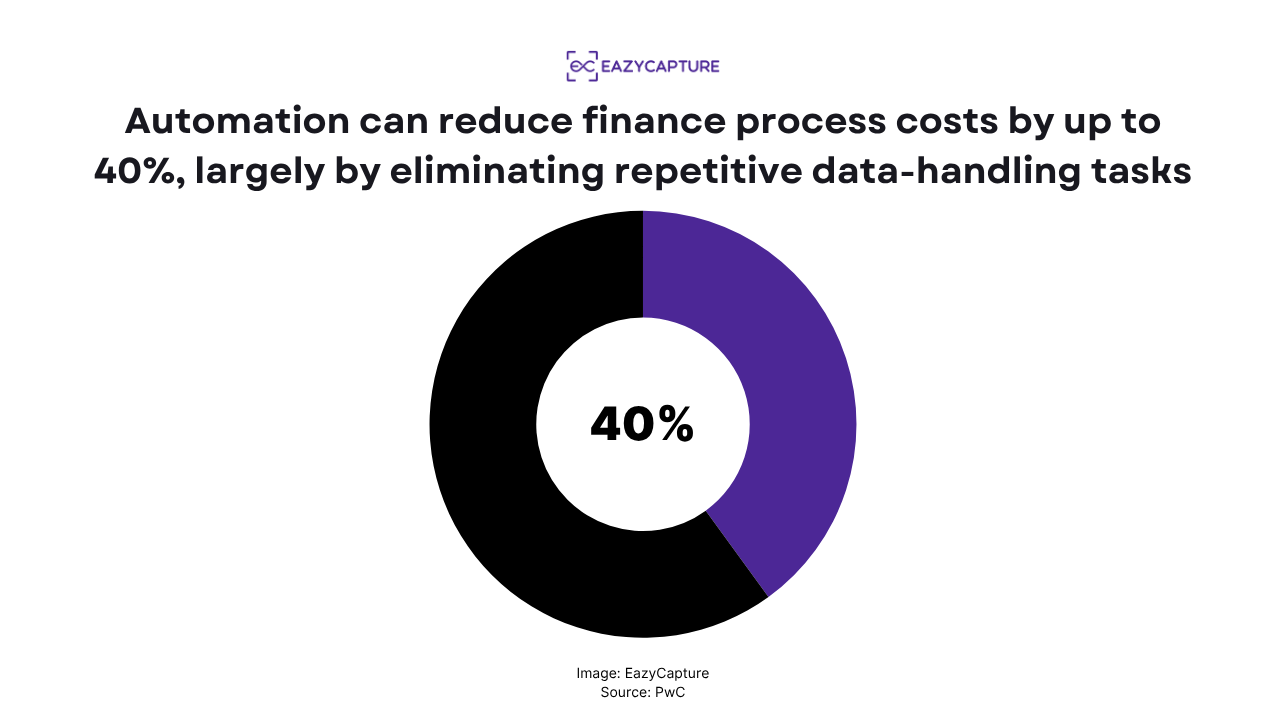
Studies by PwC have shown that automation can reduce finance process costs by up to 40%, largely by eliminating repetitive data-handling tasks.
EazyCapture does your data filling in seconds – and can handle a bunch of invoices at once. That time saving compounds quickly across weeks and months.
3. Error Reduction
Even a small typo in an invoice amount or VAT rate can ripple into major reconciliation problems. Automation eliminates these risks by applying consistent logic every time.
Because systems like EazyCapture read directly from the document, they don’t rely on human transcription.
Data accuracy rates often exceed 99.9%, compared to roughly 95% for manual entry under typical conditions.
4. Scalability and Real-Time Control
For fast-growing businesses, the workload doesn’t increase linearly – it explodes. Processing 10 invoices a day might be manageable, but 200 quickly becomes overwhelming without automation.
Automation scales effortlessly. Whether your business handles 100 or 10,000 transactions a month, the system’s processing speed remains constant. It also updates your accounts in real time, meaning you can see daily cash flow and profitability metrics without waiting for month-end closings.
5. Workforce Enablement
Contrary to popular fear, automation doesn’t make accountants redundant – it makes them more valuable.
It removes the grunt work, allowing them to focus on interpreting data, advising on strategy, and supporting business growth.
In fact, many accounting firms now use EazyCapture to handle client document intake, freeing staff for high-margin advisory tasks instead of admin. It’s not just about doing the same work faster, it’s about enabling teams to do better work.
How To Implement Automated Accounting In Your Business?
Transitioning to automation doesn’t need to be a massive overhaul.
The most effective approach is phased, improving one process at a time while ensuring everything remains stable and traceable.
Let’s break it down step by step.
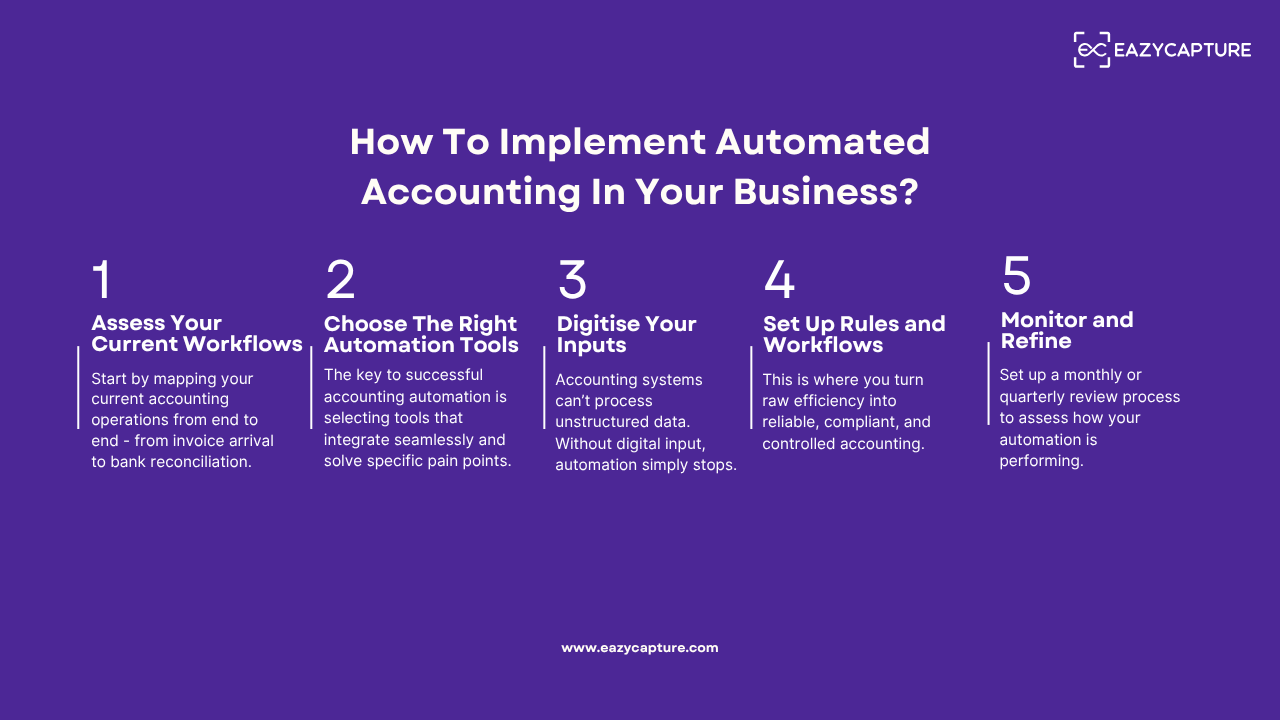
Step 1: Assess Your Current Workflows
Before automating, you need a clear understanding of what you’re automating. Start by mapping your current accounting operations from end to end.
Ask your team:
- Which tasks take the most time each week?
- Where do errors or delays occur most often?
- Which processes rely heavily on manual review or data re-entry?
This will usually reveal repetitive pain points – for example, handling supplier invoices, matching receipts, or categorising expenses.
Once identified, prioritise automation where the time or error cost is highest. If your team spends 20 hours a week entering invoices, automating that one area could save thousands of pounds annually.
Step 2: Choose The Right Automation Tools
The key to successful accounting automation is selecting tools that integrate seamlessly and solve specific pain points.
Here’s a practical framework:
- Document Capture: Tools like EazyCapture handle intake, scanning, and extraction of financial data. This is often the first and most impactful step in automation because it replaces manual data entry entirely.
- Core Accounting Software: Platforms like Xero, QuickBooks Online, or Sage Accounting manage general ledger, reconciliation, and reporting.
- Banking and Payments: Many banks now support automated feeds that push transaction data directly into your accounting system.
However, your automation stack is only as good as its integration. The goal is continuous data flow – no downloading, no re-uploading.
For example, EazyCapture connects directly to your accounting software, automatically posting approved transactions. That means once an invoice is processed, it’s instantly visible in your ledger.
When evaluating tools, prioritise:
- Integration with existing systems
- UK VAT and MTD compliance
- Audit trail and data validation capabilities
- Customer support and scalability
The right setup pays for itself quickly once workflows are connected end-to-end.
Step 3: Digitise Your Inputs
Automation depends on structured, readable data. If your business still handles paper invoices, PDF attachments, or scanned receipts, digitisation must come first.
EazyCapture is designed specifically to solve this problem.
Using AI-powered OCR and machine learning, it converts any document – whether a scanned paper invoice, emailed PDF, or photographed receipt – into structured digital data.
Most importantly, it doesn’t just capture text. It understands the context. It can distinguish between invoice numbers and order numbers, detect tax line items, and even flag potential anomalies like mismatched totals.
This is critical because accounting systems can’t process unstructured data. Without digital input, automation simply stops.
Once digitised, your data becomes universally accessible. Every invoice, payment, and credit note is instantly searchable, trackable, and ready for automated posting.
And the ripple effect is massive:
- Faster processing
- Cleaner audit trails
- Less time wasted chasing missing paperwork.
Step 4: Set Up Rules and Workflows
Once your data capture and integration layers are in place, the next stage is defining how your automation behaves.
This is where you turn raw efficiency into reliable, compliant, and controlled accounting.
Automation runs on rules and workflows with structured logic that decides how transactions are categorised, approved, or escalated.
The goal isn’t just speed. It’s consistency.
Here’s what this looks like in practice:
- Supplier Rules: Every invoice from “ABC Printing” is automatically coded under “Marketing Expenses” and marked as VAT-inclusive.
- Approval Rules: An invoice of any amount above 1000 GBP raises a query, which highlights why a certain account name was assigned by the system.
- VAT Logic: Purchases marked as “fuel” automatically apply a partial reclaim rate under HMRC guidance.
- Bank Reconciliation: Transactions from recurring subscriptions (e.g., software or utilities) are matched automatically to known vendors.
These rules remove the guesswork that often leads to miscoding or non-compliance.
With EazyCapture, for example, once you’ve processed a few invoices from the same supplier, the system learns your preferences, and it can automatically apply the same logic to future documents, flagging exceptions only when something looks off.
The advantage is twofold:
- Your records remain consistent, which simplifies audits and reporting.
- Your finance team spends less time correcting and more time analysing.
Step 5: Monitor and Refine
Automation is powerful, but it’s not static. Business conditions, supplier lists, and tax rules evolve constantly – your workflows should too.
Set up a monthly or quarterly review process to assess how your automation is performing. Ask:
- Are transactions being categorised correctly?
- Are there exceptions or duplicate entries that recur?
- Have new suppliers been added without automated rules?
Data is your feedback loop. Use performance reports to track automation coverage (e.g., the percentage of invoices processed automatically vs manually).
The higher the ratio, the more efficient your system becomes.
Common Mistakes & Pitfalls To Avoid
Automation fails most often not because of technology, but because of poor preparation. Avoid these frequent pitfalls:
1. Automating Broken Processes
If your existing workflows are inefficient or poorly structured, automation will only amplify the chaos. Clean your data, remove duplicate supplier records, and simplify approval hierarchies before implementing automation.
2. Ignoring Staff Training
Even the best tools can fail if your team doesn’t understand how to use them. Ensure your finance and operations teams are comfortable with new systems and know what to do when exceptions occur. EazyCapture, for example, requires minimal training, but aligning people around new workflows remains critical.
3. Over-Automating
Some tasks still require human judgement, such as interpreting unusual supplier terms or handling disputed invoices. Don’t aim for total automation. Aim for intelligent automation, where humans step in only when their input adds value.
4. Poor Integration Choices
Using multiple disconnected tools creates data silos. Choose systems that integrate seamlessly, reducing duplication and manual re-entry.
5. Neglecting Compliance
Automation rules must align with accounting standards and tax regulations. Always ensure your software supports UK-specific requirements such as MTD compliance and VAT rate logic.
The Bottom Line
Automation is redefining how businesses manage their finances, and that’s especially by not replacing accountants.
Whether you’re a small business processing a few hundred invoices a month or an accounting firm managing multiple client portfolios, automation is the foundation of operational control and scalability.
If you’re ready to make accounting simpler, faster, and error-free, start with the stage that drives the biggest impact: document capture and posting.
EazyCapture is built precisely for that by automating the messy, manual part of accounting that most businesses still struggle with.
From there, everything else, reporting, forecasting, and decision-making, starts to work seamlessly.
Try EazyCapture now.